
What smart home devices actually do
Smart home devices are Wi-Fi- or Bluetooth-connected products that can be controlled remotely, automated on a schedule, or operated by voice. The category spans a wide range: thermostats, lighting, doorbells, cameras, locks, plugs, and appliances. What they share is connectivity. What varies considerably is how much that connectivity changes daily life.
The practical value of any smart device depends on whether it addresses something that happens regularly in your household. A smart lock is useful if you frequently worry about whether you left the door unlocked. A smart coffee maker is useful if your morning routine is genuinely consistent enough to benefit from automation. Without a clear use case, the device typically becomes background hardware. For households reconsidering their space or storage, lessons from downsizing can help frame which devices are worth carrying into a new setup.
Where smart home technology tends to deliver value
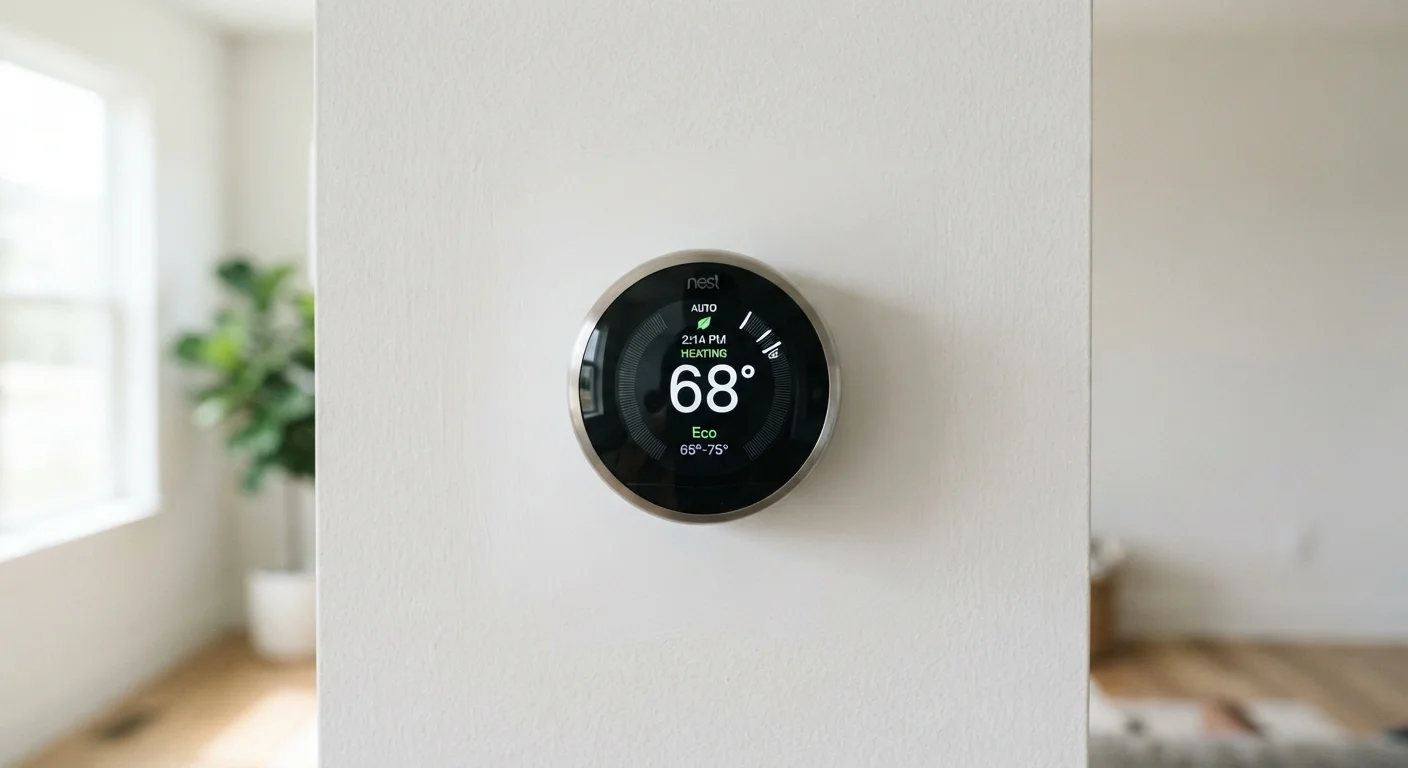
Energy management is the strongest argument for smart home investment. A programmable or learning thermostat reduces heating and cooling use when a home is empty or everyone is asleep, with measurable effects on utility bills over time. The information in your utility bills can help you assess whether your current energy use has room for that kind of improvement.
Security monitoring is the second category where the value proposition holds up. Smart doorbells and cameras address a specific concern: knowing what is happening at your entry points when you are not home. The use case is concrete and repeatable.
Energy management can reduce utility costs
Smart thermostats that learn household schedules can reduce heating and cooling use during unoccupied hours. The U.S. Department of Energy notes that adjusting thermostat settings by 7 to 10 degrees for eight hours a day can trim annual heating and cooling costs by around 10 percent.
Remote monitoring adds practical security
Smart doorbells and cameras let residents check on their property from a phone, which is useful for households with package deliveries, elderly relatives, or frequent travel. This is a concrete, repeatable use case rather than a one-time novelty.
Lighting automation suits specific households well
Scheduled or motion-triggered lighting benefits households where lights are routinely left on, or where residents have mobility limitations. The value is proportional to how often the automation would actually fire.
Voice control helps users with accessibility needs
For residents with limited mobility or vision impairments, voice-controlled devices can make everyday tasks such as adjusting lights, setting timers, or playing audio genuinely easier to manage independently.
Lighting automation is more situational. Households where lights are left on frequently, or where residents have mobility limitations, see regular benefit. Households with attentive occupants and no mobility concerns tend to find the automation redundant.
Where smart home purchases often disappoint
The clearest pattern in smart home regret is buying a device because it seems clever rather than because it solves a problem. Smart refrigerators, robot mops, and app-controlled appliances get strong early attention and diminishing daily use. The novelty of remote control fades quickly when the underlying task was never a significant friction point.
Many devices become unused within weeks
Consumer research has found that a significant share of smart home devices are used regularly for only a short period after purchase. Gadgets bought to solve a problem that rarely occurs tend to collect dust.
Subscription fees add ongoing cost
Many smart security cameras, video doorbells, and monitoring systems require monthly or annual subscriptions to unlock core features such as video storage. These recurring costs can exceed the device's purchase price within two years.
Compatibility between devices is not guaranteed
Devices from different manufacturers do not always work together reliably, even when both claim to support a common standard. Homeowners who build a mixed ecosystem often encounter setup friction or features that only work within a single brand's app.
Privacy and data exposure are real trade-offs
Connected devices collect data about household routines, voice interactions, or video footage. That data is processed and stored by third-party companies under their own privacy policies, which vary widely and can change over time.
Dependent on Wi-Fi reliability
Smart devices stop working as intended when the home network drops or the router is restarted. Households with inconsistent Wi-Fi should resolve connectivity issues before investing in connected devices. See common causes of Wi-Fi dead zones for guidance.
Software support has a limited lifespan
Manufacturers can discontinue app support or cloud services for older devices, effectively disabling features the buyer paid for. This is less visible than hardware failure but has affected multiple product lines across the industry.
Cost structure is also worth scrutinizing before purchase. The device price is often just the entry point. Many smart security products require ongoing subscriptions for video history or full feature access. Across a three-year period, total cost can be substantially higher than the sticker price suggests. This mirrors the logic behind cost-per-use thinking in other purchases.
Matter standard and device compatibility
The Matter protocol, backed by a broad group of device makers, aims to improve cross-brand compatibility. However, support for Matter varies by device model and firmware version, and not all older devices can receive updates to support it. Check compatibility before assuming two devices will work together.
Questions to ask before buying
Before purchasing a smart device, it helps to identify the specific problem it would solve and how often that problem actually occurs. If the answer is vague, the device is probably a novelty purchase.
Check whether the device requires a subscription and what features are locked behind it. Verify that it works with your current router and phone operating system. If you are building out multiple devices, confirm compatibility before assuming they will work together. For homes with spotty wireless coverage, addressing Wi-Fi dead zones first will prevent frustration later.
Read the privacy policy of any device that includes a microphone or camera. Understand what data is collected, where it is stored, and what the manufacturer's policy is if the company is acquired or shuts down. These are not hypothetical concerns; they have affected real product lines.
Smart home technology can make daily routines more efficient, but only when the device fits the household. A clear-eyed look at actual needs, recurring costs, and network readiness will produce better outcomes than buying based on features alone.