
What each one actually is
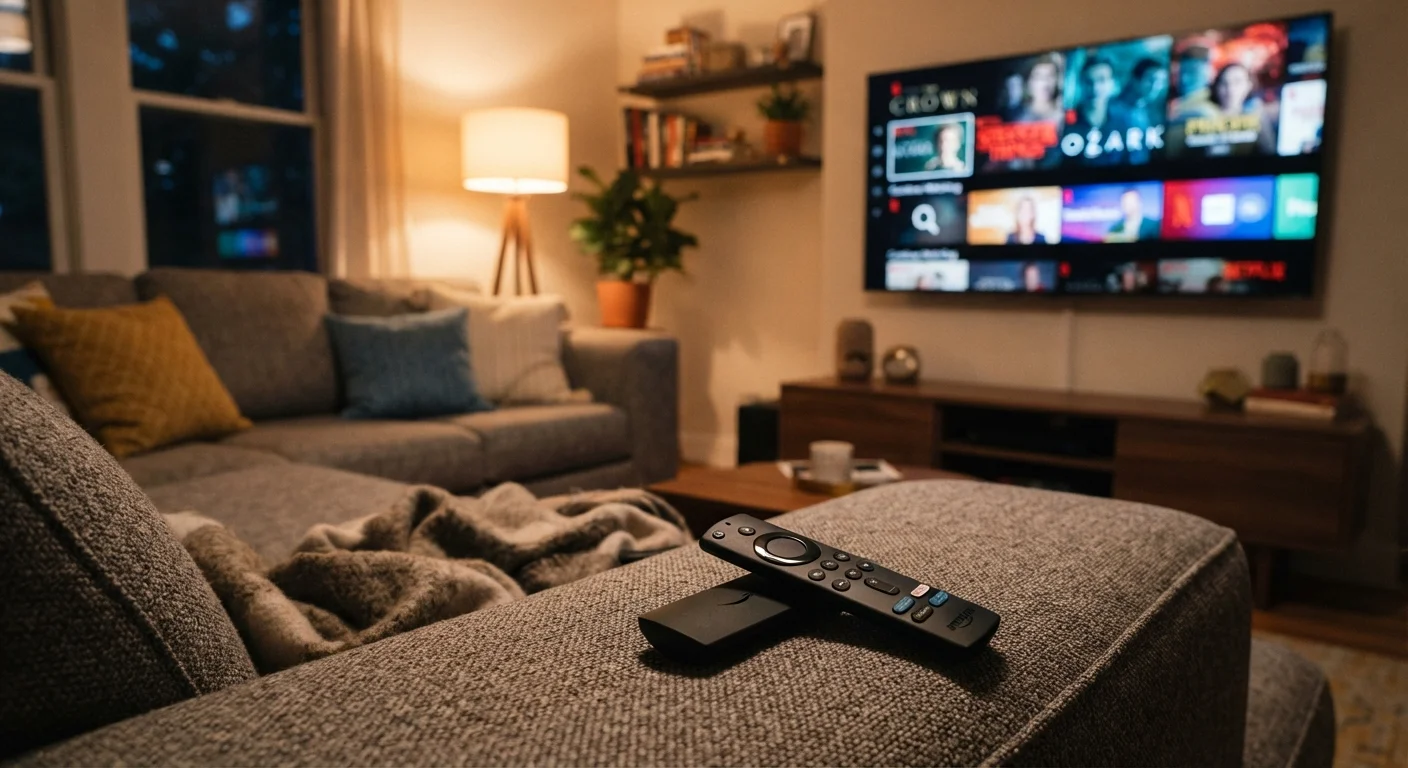
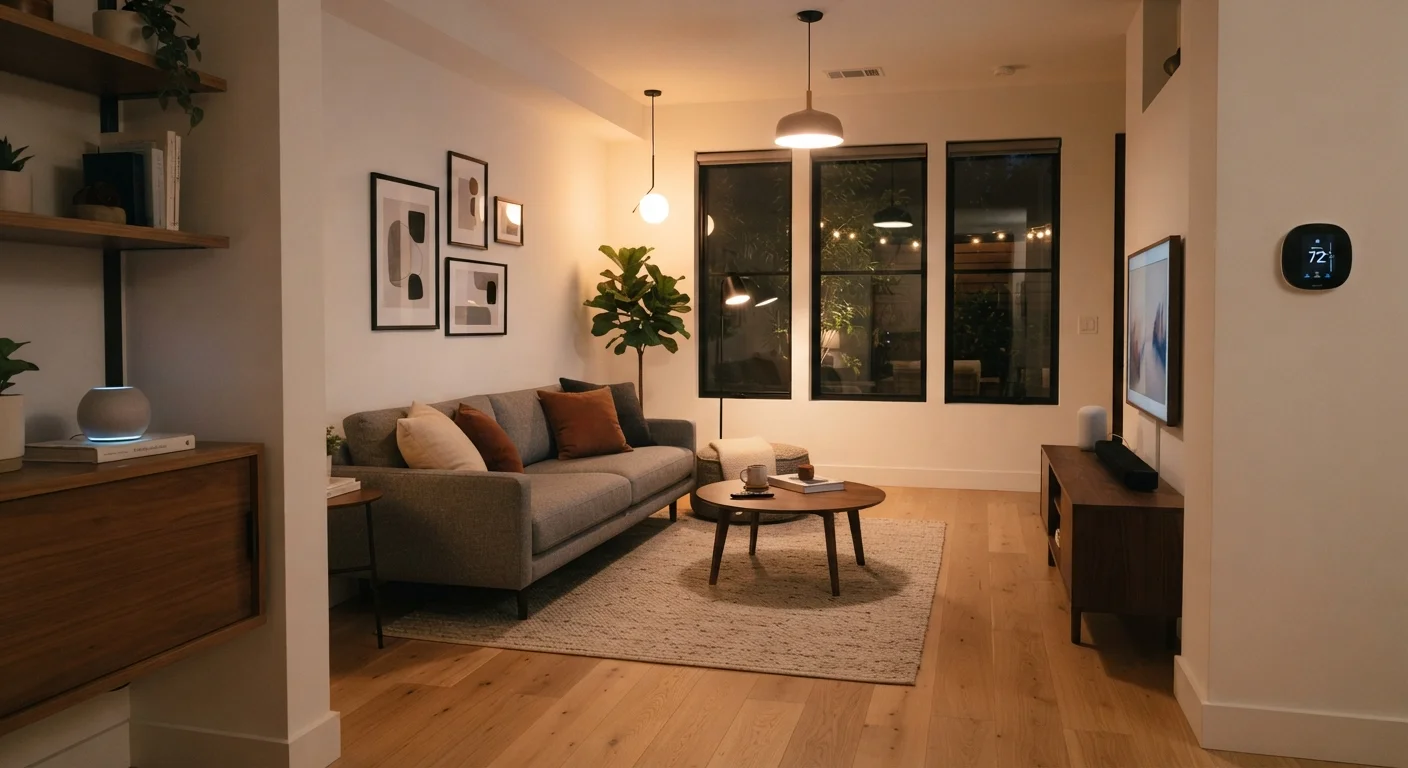
A smart TV is a television that runs streaming software internally. When you turn it on, you can open apps like Netflix or Prime Video directly from the TV's own menu, with no separate device required. The apps, the operating system, and the processor that runs them are all inside the set.
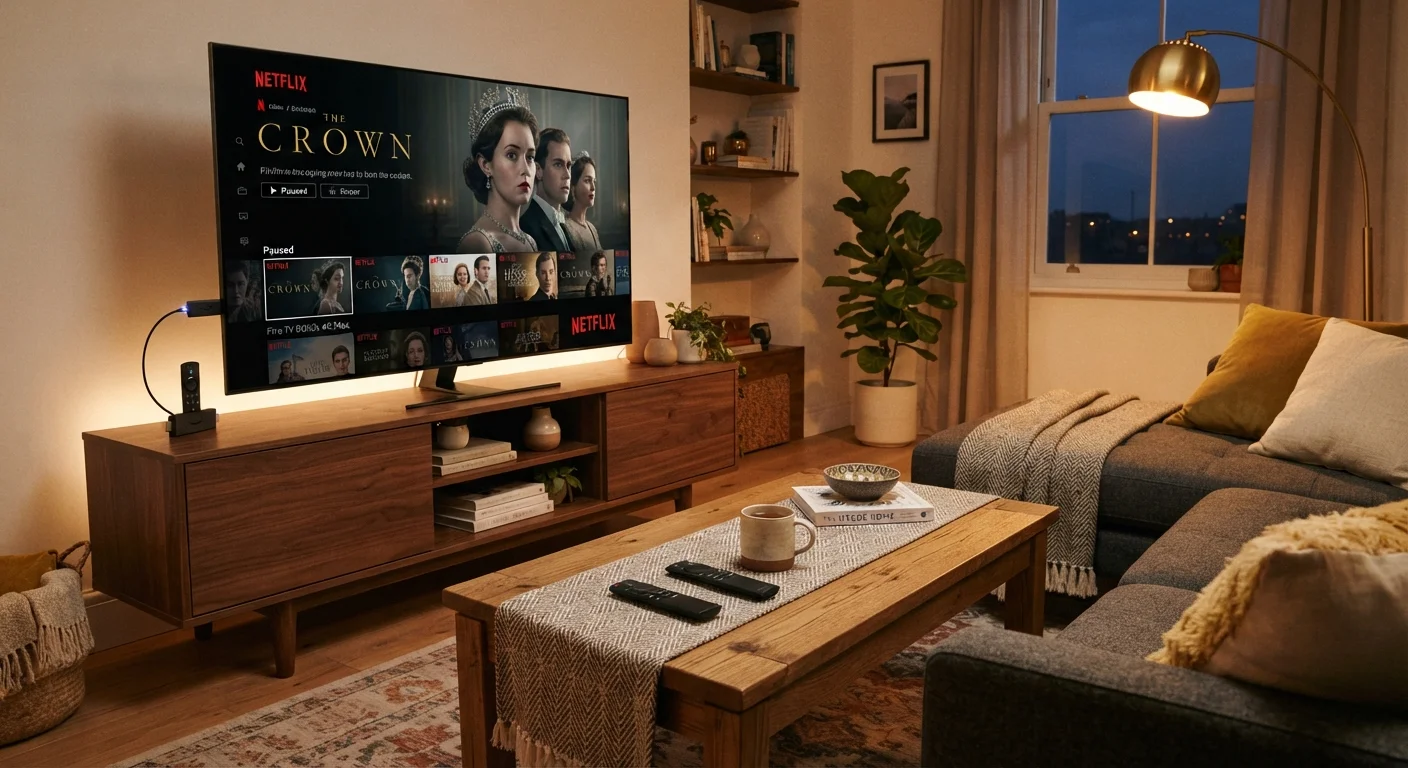
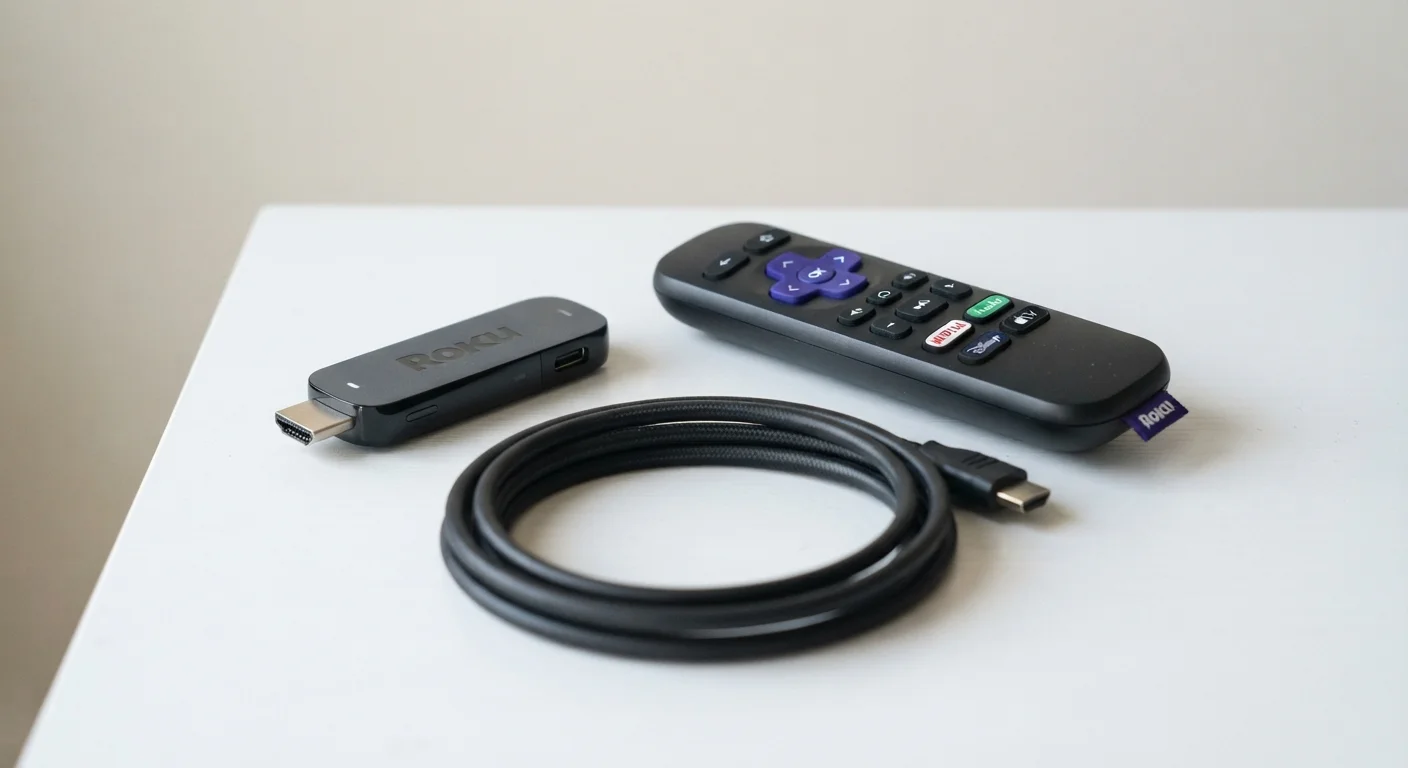
A streaming stick is a separate piece of hardware, roughly the size of a USB drive, that plugs into a TV's HDMI port. It has its own processor, its own operating system, and its own remote. It handles all the streaming work independently, using the TV only as a screen and a speaker.
Because a streaming stick operates on its own, it can be moved from one TV to another, taken on a trip, or swapped out when it feels slow, without touching the television itself.
Software updates and long-term performance
This is where the two approaches differ most in practice. TV manufacturers generally support a smart TV's built-in platform for a limited number of years after the model ships. Once that support window closes, the apps stop receiving updates, and some services may eventually drop compatibility with the older platform entirely.
Streaming stick manufacturers tend to support their devices longer, partly because the hardware is cheaper to replace and partly because their business model depends on keeping users active on the platform. A stick you buy today is likely to receive software updates well past the point when a TV's built-in system goes stale.
If you plan to keep a television for ten or more years, this gap becomes noticeable. The screen itself may still look fine, but the built-in software can feel dated or lose access to newer app versions. A streaming stick sidesteps that problem because you can replace the stick independently.
Cost and setup
Check your TV's HDMI ports first
Most televisions made after 2010 have at least one HDMI port, which is all a streaming stick needs. If your TV is older or has only composite (red, white, yellow) inputs, a streaming stick will not connect without an adapter, and compatibility is not guaranteed. Check the back or side of your set before purchasing.
Smart TVs do not carry a separate software fee. The platform is included in the purchase price of the set, and there is nothing extra to buy to start streaming. Setup is straightforward: connect the TV to your Wi-Fi network and sign into your accounts.
Streaming sticks range in price, with entry-level models generally available for around $25 to $40 and higher-end versions with faster processors or 4K support running closer to $50 to $100. Setup involves plugging the stick into the TV, connecting it to power through a USB cable or small wall adapter, and going through a short on-screen setup process.
For a household already planning to buy a new TV, the smart TV option adds no hardware cost. For a household that wants to improve an existing television without replacing it, a streaming stick costs far less than a new set.
For more on what the streaming services themselves cost and what each tier includes, see our breakdown of streaming service pricing.
When a smart TV is enough
A smart TV works well when you are buying new hardware anyway, when the built-in platform covers the apps you actually use, and when simplicity matters more than flexibility. Fewer devices means fewer remotes, fewer power cables, and less to troubleshoot.
Current smart TVs from most major manufacturers run well-known platforms that support the most-used streaming services. If your needs are straightforward and you are not trying to extend the life of older hardware, the built-in option is a reasonable default.
That said, if you already own a smart TV but find its software slow or missing an app you want, adding a streaming stick is a legitimate fix. You can leave the TV's own interface unused and run everything through the stick instead.
If you are also thinking about how other connected devices fit into your home, this look at smart home devices covers which ones tend to deliver lasting value and which ones do not.