
What each device actually does
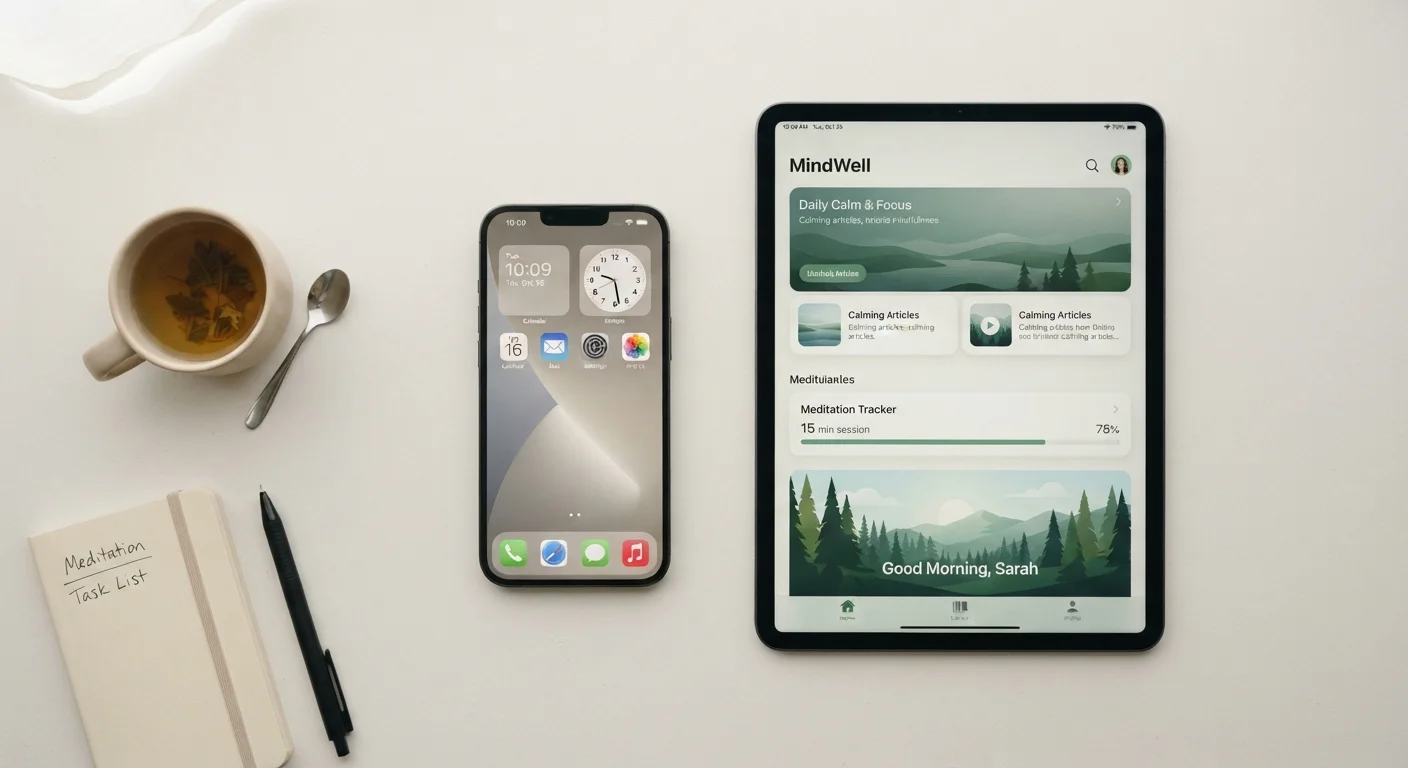
A smartphone is a handheld computer that also makes phone calls. It connects to cellular networks, so it works wherever you have a signal, no Wi-Fi required. Most people carry one throughout the day and use it for calls, texts, navigation, photos, and browsing.
A tablet is a larger touchscreen device, typically with a screen between 7 and 13 inches. Most tablets connect to Wi-Fi but do not have a cellular phone number, so you cannot make traditional calls from them without a separate app. They are better suited for tasks where screen size matters: reading, video calls, watching shows, or filling out forms.
Both run apps, browse the web, and support email. The differences come down to size, portability, and whether cellular connectivity matters to you.
Portability and everyday carry
Smartphones slip into a pocket or small bag. That convenience matters if you are out during the day, driving, walking, or commuting. Because they connect to cellular networks, they work without a Wi-Fi password.
Tablets are lighter than a laptop but still require a bag. At home, that tradeoff is easy to accept. Out in the world, carrying a tablet alongside everything else gets cumbersome quickly. If you want one device that handles everything away from home, a smartphone does that job more reliably.
For people who spend most of their time at home, portability matters less, and a tablet's larger screen becomes more useful on a daily basis.
Screen size and what it changes
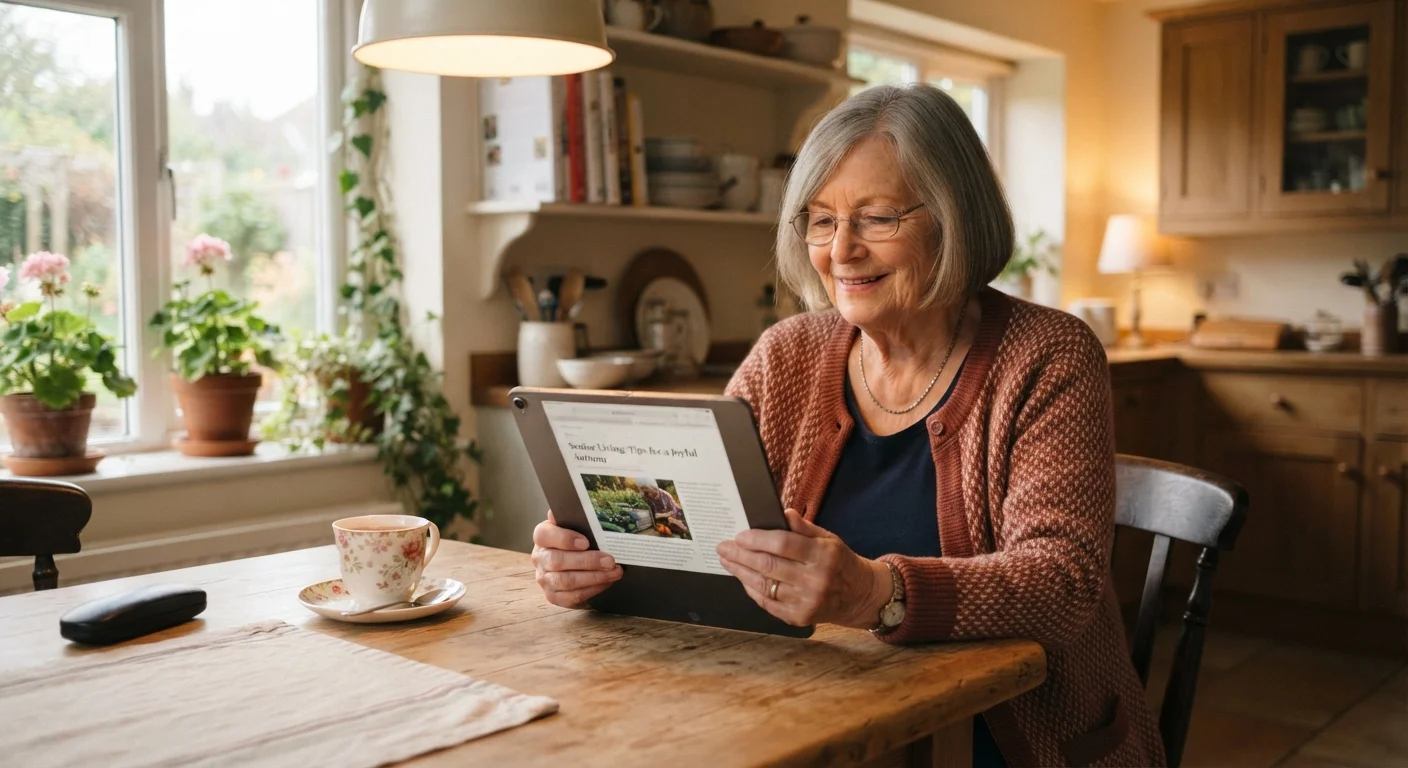
Screen size affects how comfortable a device is for specific tasks. Reading long articles, viewing photos, and video calling all feel better on a larger screen. For people with vision changes or arthritis that makes small touchscreen controls difficult, a tablet can be genuinely easier to use.
Smartphones have improved significantly in screen size over the years, with many models now in the 6-inch range. That is large enough for most tasks, but still noticeably smaller than even a compact tablet.
If you find yourself enlarging text frequently or squinting at your phone screen, a tablet is worth considering for home use. For quick tasks like checking a message or looking up directions, a phone-sized screen is sufficient.
| Feature | Smartphone | Tablet | |
|---|---|---|---|
| Typical screen size | 5 to 7 inches | 7 to 13 inches | |
| Cellular calling | Yes, built in | Rarely; usually Wi-Fi only | |
| Portability | Fits in a pocket | Requires a bag | |
| Best location for use | Home and on the go | Primarily at home | |
| Ongoing carrier plan cost | Yes, monthly fee typical | Not required on Wi-Fi models | |
| Camera quality | Generally strong | Varies; often secondary | |
| Ease of reading long text | Manageable | More comfortable | |
| Video call screen size | Compact | Larger, easier to see | |
| Typical price range | $150 to $1,000+ | $100 to $800+ | |
| One-device solution for travel | Yes | Generally no |
Cost and what you actually need
Smartphones generally cost more than comparable tablets because of the cellular hardware and the phone-number infrastructure that carriers charge for. Tablet prices vary widely, from budget models under $150 to premium devices well above $500. Smartphone costs follow a similar range, but ongoing carrier plan fees add to the total cost of ownership over time.
If you already have a smartphone and are wondering whether a tablet adds value, think about how often you read at home, watch video, or make video calls with family. Those are the tasks where a tablet earns its place. If your phone handles those things comfortably, a tablet may not change much day to day.
For a plain-language look at the plan side of smartphone ownership, see our breakdown of cell phone plan types.
Which situations favor each device
A smartphone makes more sense if you are often away from home, need to make and receive calls, or want one device that travels with you. It also works as your primary camera, GPS, and communication tool in a single package.
A tablet makes more sense if most of your device use happens at home, you want a larger screen for reading or streaming, or you find small-screen interactions physically tiring. Many people use a tablet as a complement to a smartphone rather than a replacement for one.
For context on how other screen-based devices fit into the home, our comparison of smart TVs and streaming sticks covers how those options differ from each other and from portable devices.
Try before you decide
If you are unsure whether a tablet screen size would help you, visit a store that has floor models and spend a few minutes using one. Reading a webpage or making a test video call on the device itself tells you more than any specification list. Many libraries also loan tablets, which lets you try one at home before spending anything.