


What cloud storage actually does
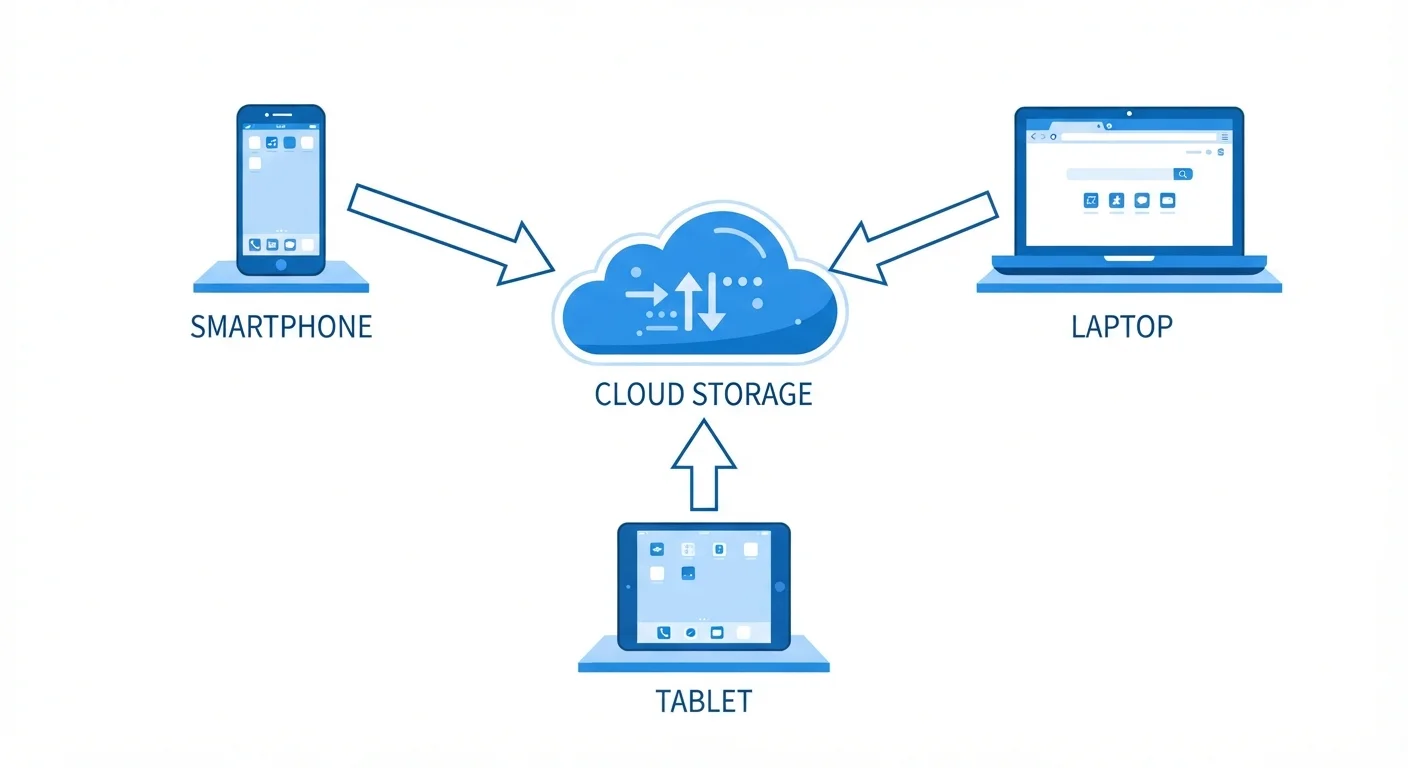
When you take a photo on your phone, that image lives on your phone's internal storage. Cloud storage moves a copy of that photo to a company's servers over the internet. From that point, the photo is no longer tied to one device. You can view it on a laptop, share it with a family member, or pull it up on a new phone after your old one breaks.
The sync happens automatically in the background for most services. You save a file, and within seconds it appears on every device connected to the same account. That convenience is the main reason cloud storage became common for personal use.
Storage capacity is measured in gigabytes (GB) and terabytes (TB). A single high-resolution photo is roughly 3 to 5 MB. One gigabyte holds around 200 to 300 of those photos. A two-hour HD video can run 4 GB or more on its own. Knowing roughly how much data you generate helps you gauge whether a free tier covers your needs or whether a paid plan makes sense.
Free tiers and what they cover
Most cloud storage services start you with free storage, generally between 5 GB and 15 GB. For someone who stores mostly documents, spreadsheets, and occasional photos, that amount can last years. For someone who shoots a lot of video or backs up their entire phone automatically, it fills up within months.
Free tiers usually come with limits beyond just storage size. Version history (the ability to recover an older version of a file) may be capped at a short window, such as 30 days. Sharing features may be restricted. Some services compress photos when storage runs low, which can reduce image quality.
Check your storage usage periodically
Most cloud storage apps show your current usage in their settings menu. Checking it every few months takes less than a minute and prevents the surprise of uploads stopping mid-sync. Some services also send email alerts when you approach your limit.
When a free tier fills up, most services stop syncing new files rather than deleting old ones. You will typically get email warnings before that happens, but it is worth checking your usage occasionally so files do not quietly stop uploading.
When a paid plan is worth considering
A paid plan makes sense when your storage needs consistently exceed the free tier, or when you want features the free version does not include. Common reasons people upgrade include automatic full-resolution photo backup, longer version history, and the ability to share a storage pool with family members under one plan.
Paid plans are typically billed monthly or annually, with annual billing priced lower per month. Before upgrading, it is worth auditing what you actually store. Deleting duplicate photos, clearing out old downloads, and moving rarely used files to an external hard drive can sometimes push usage back under the free limit.
Cloud storage pricing shares some structural similarities with other subscription services. If you already pay for multiple subscriptions, it helps to think about total monthly cost. The article on how streaming service tiers are structured covers how to evaluate what you are actually getting for recurring fees, which applies to cloud storage plans as well.
Limitations to know before relying on it
Cloud storage depends on your internet connection. Uploading a large batch of photos on a slow home connection can take hours. Accessing files while traveling somewhere with spotty service may not work at all. Most apps address this with an offline mode, where you flag specific files to be downloaded directly to your device, but you have to set that up deliberately.
Privacy is the other consideration. Files stored with a third-party provider are subject to that company's terms of service, data policies, and legal obligations. Reading the privacy policy before storing sensitive documents, tax records, or medical information is a reasonable step, not an overreaction. Understanding what a provider does with your data, and under what circumstances they might share it, is basic due diligence for any online service.
Cloud storage also does not replace a proper backup strategy on its own. Because sync works in both directions, deleting a file on your device often removes it from the cloud too. People who want genuine data protection typically use cloud storage alongside a separate backup system, whether that is an external drive or a dedicated backup service.