

The three main types of streaming services
Streaming services fall into three broad categories, and each works differently.
Subscription video on demand (SVOD) is the most familiar type. You pay a flat monthly fee and watch as much content as you want from the library. Examples of this model include general entertainment platforms with movies, original series, and licensed TV shows.
Ad-supported video on demand (AVOD) is free or lower-cost and funds itself through commercial breaks. Some services offer both a paid ad-free tier and a free ad-supported version of the same app.
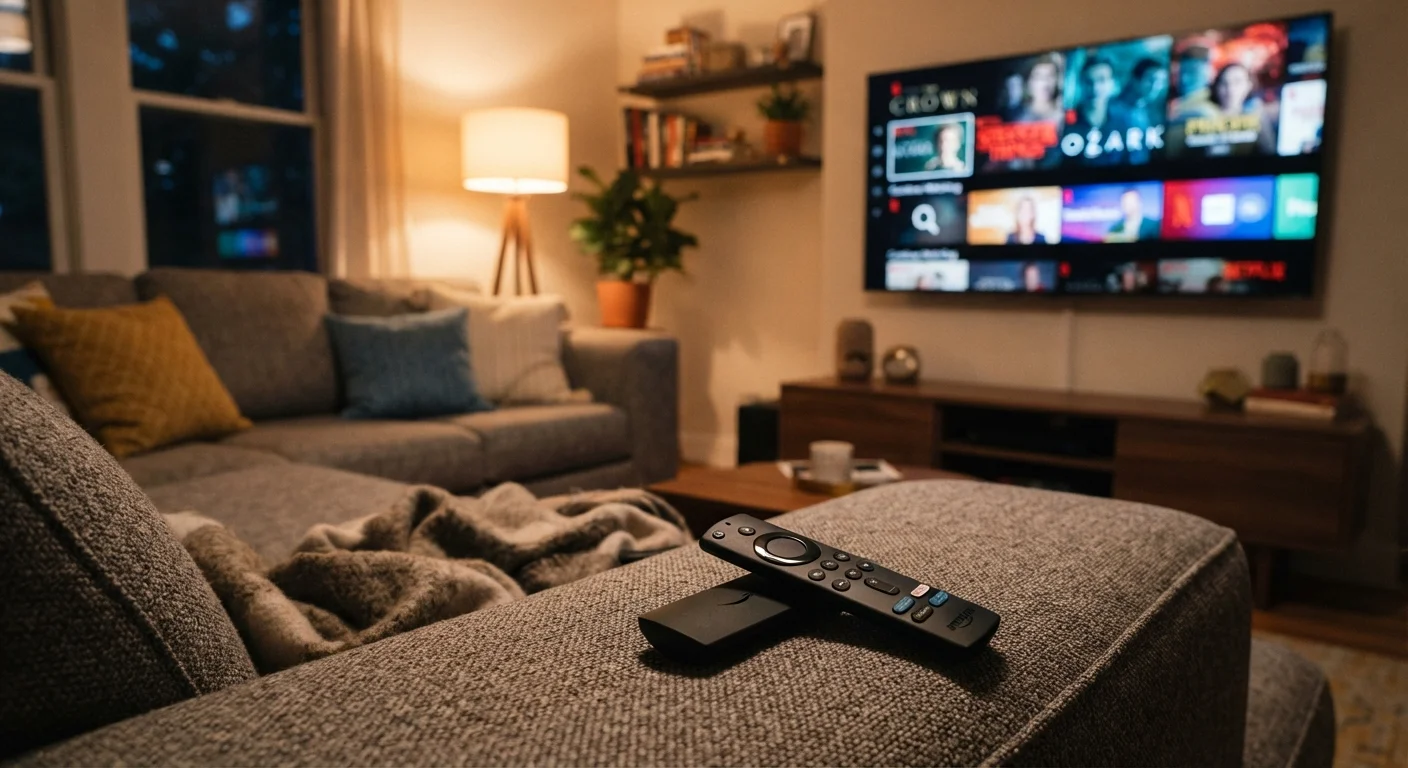
Live TV streaming replaces a traditional cable or satellite package. Instead of a cable box, you get a web-based channel guide with live broadcast and cable channels. These plans tend to cost more than on-demand services because they carry the cost of live channel rights. How you access any of these services on your television matters too, since the device affects which apps are available to you.
How pricing tiers actually work
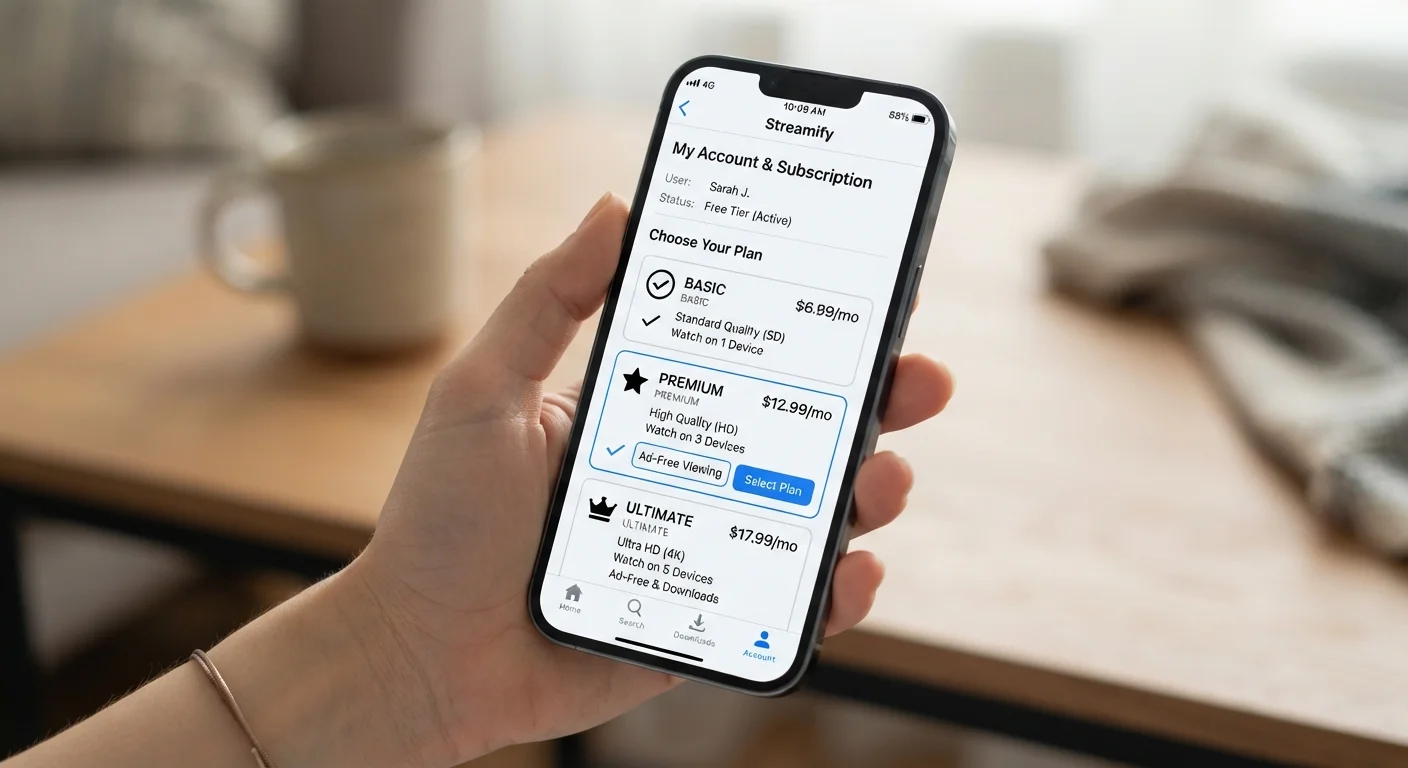
Most subscription services now offer two or three pricing tiers rather than a single flat rate. The differences between tiers are usually:
- Whether ads appear and how often
- Maximum video resolution (standard definition, HD, or 4K)
- Number of screens that can stream at the same time
- Whether you can download content for offline viewing
A lower-priced tier with ads typically still gives access to the same content library as the more expensive ad-free tier. The main cost is your time sitting through commercials. Higher tiers tend to make more sense for households where multiple people watch different things simultaneously, or for anyone who wants to download shows for a flight or commute.
Trial pricing and renewals
Prices for streaming tiers change periodically, and promotional introductory rates do not last. Before you commit to an annual prepaid plan, confirm the current standard price so you know what renewal will cost.
Prices for streaming tiers change periodically, and promotional introductory rates do not last. Before you commit to an annual prepaid plan, confirm the current standard price so you know what renewal will cost.
What affects the quality you actually receive
Paying for a 4K-capable tier does not guarantee 4K video if your internet connection cannot support it. The service automatically adjusts resolution based on available bandwidth. If your connection is slow or congested, the picture quality drops.
Data caps on home internet plans can also affect streaming. A household that streams several hours of HD video daily can consume hundreds of gigabytes per month. If your plan has a data cap, exceeding it may slow your speeds or add overage fees. Understanding your internet plan's fine print is worth doing before adding more streaming subscriptions. If you are thinking about changing providers to get better speeds, this checklist covers what to review first.
Audit your subscriptions once a year
List every streaming service you pay for, note the monthly cost, and ask whether you used it in the past 30 days. Canceling services you rarely use and resubscribing only when you want a specific show can reduce monthly spending without giving up access to content you actually watch.
Bundles, free trials, and hidden costs
Several providers package streaming services together, sometimes bundling video with music streaming or with a mobile phone or internet plan. A bundle lowers the per-service cost only if you actually use each piece. A bundle that includes a sports add-on you never watch is not cheaper in practice.
Free trials are common but come with an end date. If you do not cancel before the trial period closes, the service charges the full subscription rate. Keeping a simple list of active subscriptions and their billing dates prevents unwanted charges.
Some services charge extra for premium content, such as new movie releases or live sports events, even if you already pay for a base subscription. These are sometimes called "premium add-ons" or "pay-per-view" options and sit on top of your monthly fee.
Content libraries also shift. A show available on one platform today may move to another after licensing agreements change. If a specific title is your main reason for subscribing, confirm it is still available before signing up.