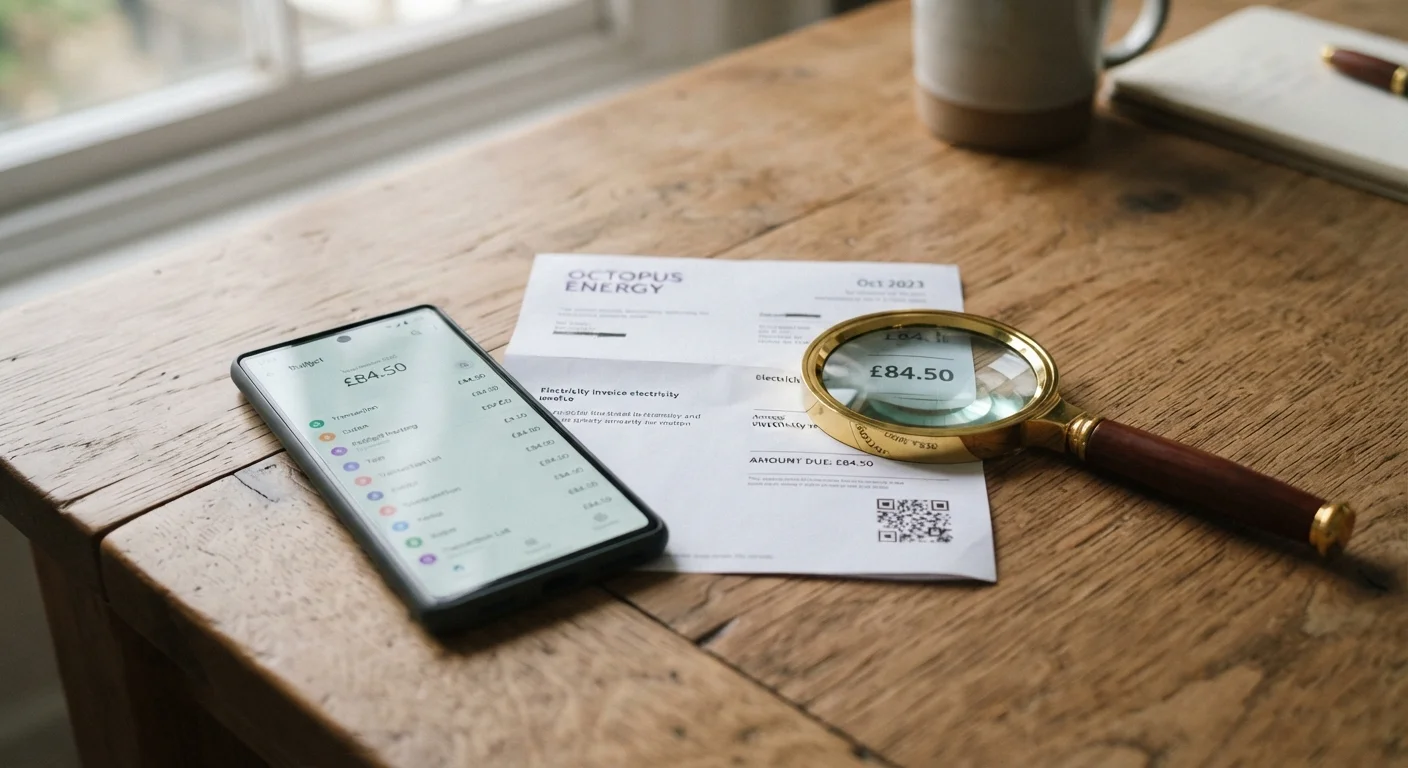
Thinking about changing your internet service? Use this checklist to review speeds, contracts, equipment fees, and installation details first.
Why this checklist matters
Switching internet providers sounds straightforward, but the details buried in contracts, equipment agreements, and installation schedules can turn a simple change into an expensive one. This checklist walks through the information you should gather and confirm before you commit to anything new.
If you also subscribe to streaming services, your internet speed needs will depend partly on how many devices stream at once. Learn how streaming tiers affect bandwidth before you decide what speed tier to shop for.
Reviewing your current bill line by line is one of the most useful steps before you start comparing plans.
The full checklist
Work through these items in order. The first group covers your current service; the second covers what to verify about any plan you are considering.
Your current service
Pull out your most recent bill and locate the exact monthly charge, including any equipment rental lines and fees listed separately from the base rate.Must
Find your contract end date or confirm you are on a month-to-month agreement; contact your provider directly if the bill does not show this clearly.Must
Check whether your current contract has an early termination fee (ETF) and write down the exact dollar amount.Must
Note whether you own your modem and router or rent them from your provider, since owned equipment can move with you to some new plans.Should
Speed and data
Run a speed test at different times of day (morning, evening, weekend) and record the results so you have a real baseline, not just the advertised number.Must
Ask any prospective provider what typical speeds look like during peak hours, usually evenings on weekdays, not just the maximum advertised speed.Must
Confirm whether a plan has a monthly data cap and what happens when you reach it: throttled speeds, extra charges, or both.Must
Estimate your household's monthly data use by checking your current bill or your router's usage logs if available.Should
Costs and contract terms
Ask for the price after any introductory period ends, and get that figure in writing before you agree to anything.Must
Confirm all monthly fees beyond the base rate: equipment rental, broadcast fees, modem lease, and any service or line charges.Must
Ask whether the new provider will cover your ETF from your current provider, and if so, get the terms and any cap in writing.Should
Check whether the new plan requires a one-year or two-year contract, or whether a no-contract option exists at a higher monthly rate.Should
Installation and availability
Confirm service availability at your exact address before spending time comparing plans; coverage maps are not always accurate at the street level.Must
Ask about installation timelines and whether a technician visit is required, since some areas have waits of one to three weeks.Should
Introductory pricing can change significantly
Many plans advertise a monthly rate that applies only for the first 12 or 24 months. After that period, the price often rises by $20 to $40 per month. Always ask for the post-promotional rate and factor that number into your comparison, not just the starting price.
ETF timing can affect your total cost
If you switch before your current contract ends, your early termination fee may offset any savings from a lower monthly rate on the new plan. Calculate the total cost over a realistic time horizon before deciding when to make the move.
Tools to have on hand
You do not need much to work through this checklist, but having the right information ready saves time.
Required
Your current internet bill
Shows your exact monthly charges, contract details, and any equipment rental fees to compare against new offers.
Required
Speed test tool
Measures your actual current download and upload speeds so you have a real benchmark before switching.
Required
A simple notepad or spreadsheet
Lets you record and compare figures from multiple providers side by side without relying on memory.
Optional
Your router or modem documentation
Confirms whether you own your equipment and whether it is compatible with other providers' networks.
Tech Editorial Team is the collective byline for our editorial team and contributor network. Articles published under this byline or an editorial pen name are researched, written, and reviewed according to our editorial standards for clarity, consistency, and independence before publication.
The content provided on our blog site traverses numerous categories, offering readers valuable and practical information. Readers can use the editorial team’s research and data to gain more insights into their topics of interest. However, they are requested not to treat the articles as conclusive. The website team cannot be held responsible for differences in data or inaccuracies found across other platforms. Please also note that the site might also miss out on various schemes and offers available that the readers may find more beneficial than the ones we cover.